Is PunchScope only for contractors?+
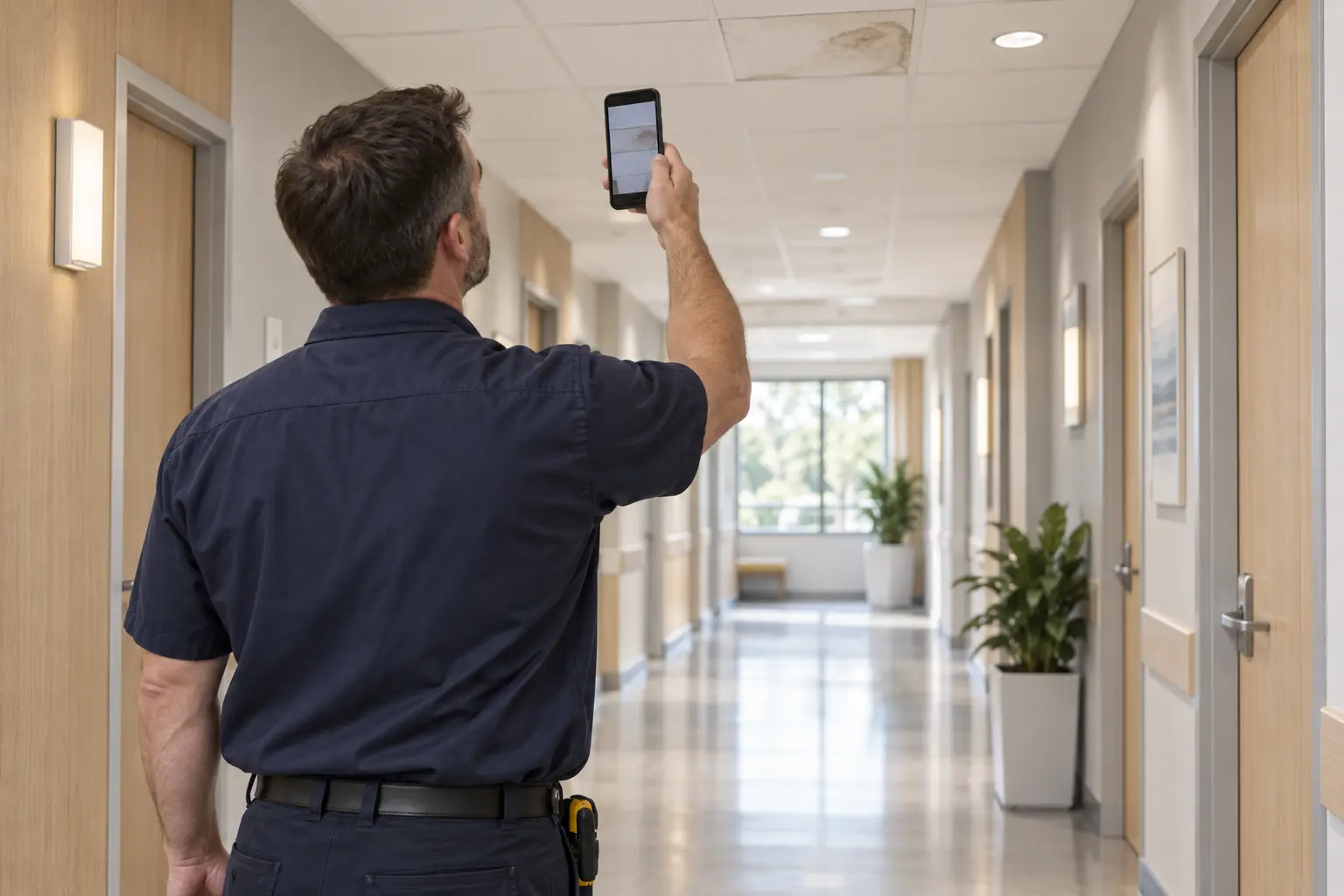
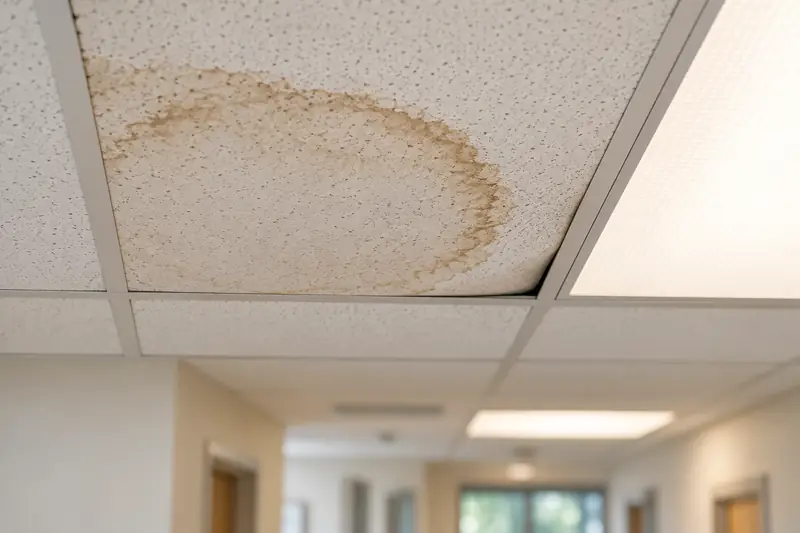
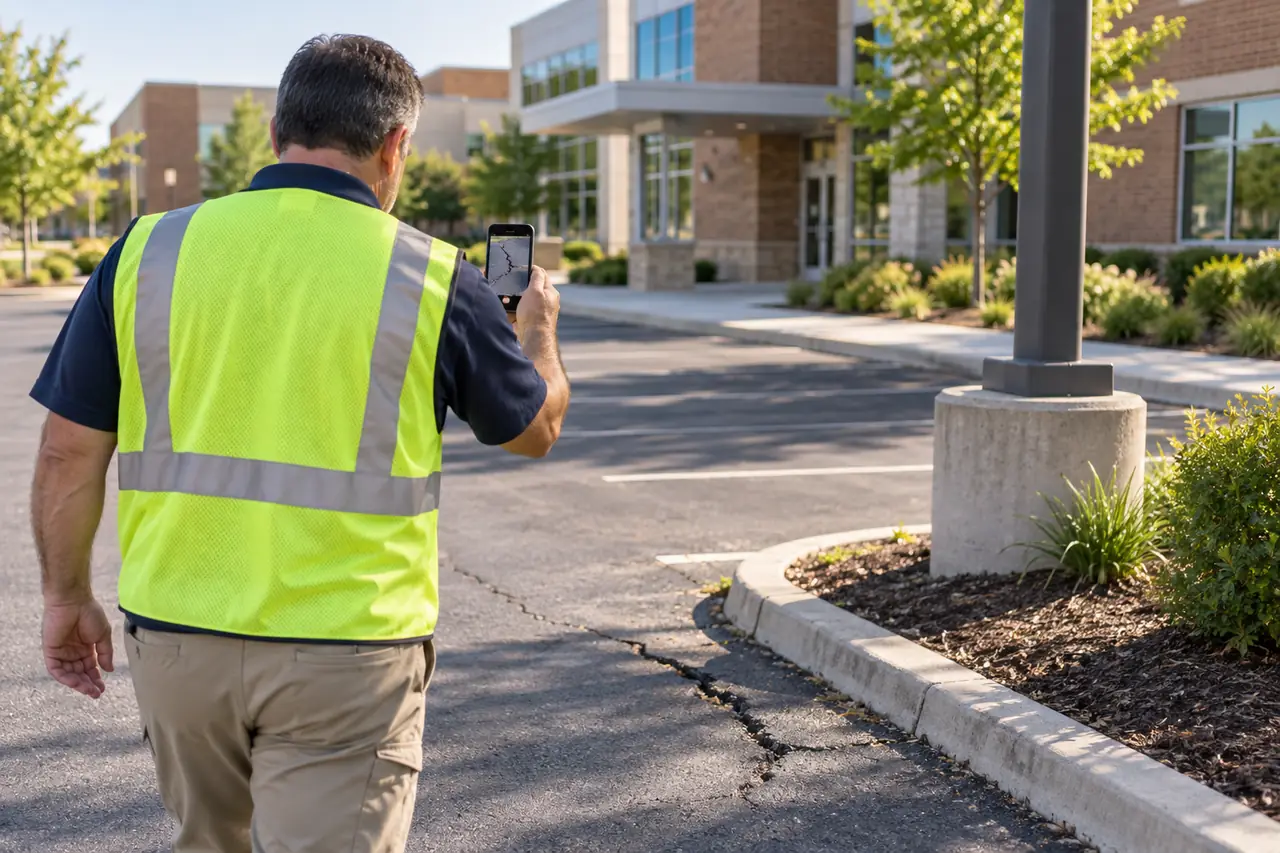
No. It started as a construction punch-list tool and works the same way for facility maintenance walkthroughs: a monthly, weekly or quarterly walk of an operating building, with tickets for the maintenance team instead of items for subs.
How do recurring walks work?+
Set a facility up once and give it a schedule: weekly, monthly or quarterly. Each walk is created on schedule, the person assigned gets an email with the link a few days before it is due and again on the day, and overdue walks show on your dashboard.
Do we need floor plans?+
No. Plans make the checklist more precise if you have them, but you can set a facility up from a plain room list instead. Paste or upload room numbers and names, or add rooms while you walk. The room types (exam room, restroom, corridor, mechanical room, roof, parking and so on) decide what gets checked.
What about patient photos and privacy?+
On medical sites, every photo is checked on PunchScope's own hardware before it is used. If it shows a patient or patient information (a screen, chart, whiteboard, wristband or paperwork with a name), it is deleted and the walker is asked to retake it. Nothing is blurred or edited, and an unsure check counts as a fail. Only photos that pass are reviewed by AI, put in reports or shared. PunchScope is built not to hold patient information, and we don't claim HIPAA compliance.
Can we get the data into our CMMS?+
Yes. Every walk report and ticket list exports as rich HTML, PDF, JSON and CSV. The CSV has one row per ticket with the columns a work-order system expects: title, description, location, category, priority, status, due date and photo link. The JSON is versioned and documented.
Who does the walking?+
Anyone you assign. A team member, a facilities tech or a floor lead with a phone can do it, with no plan-reading skills. The checklist tells them what to look at in each room, and they can add a voice or text note to any photo. Photos queue and upload on their own if the signal drops.
What if there is no cell signal inside the building?+
Photos and notes queue on the phone and upload on their own when the connection returns. Closing the app does not lose anything that was queued.
How is it priced?+
Facility maintenance: Per facility per month by building size: $149 up to 10,000 sq ft with 2 floor reports a month, $299 up to 25,000 sq ft with 4, and $499 above 25,000 sq ft with 6. The reports are shared across the whole facility, so adding floors never adds reports; one floor walked and processed uses one. Standard processing is included. Extra floor reports are $20, $35 or $50 by the same sizes, or a pack of 10 at nine times that price, added to your next invoice after you confirm it in the app. Express is +$19.99 per walk and is ready within 20 minutes. Construction: Construction has four options. Lite: $4.99 per user per month for quick punch walks only (photos and notes, no plans), up to 3 active projects, with extra projects $5 each one-off; no facilities. Unlimited projects on the two subscriptions below. Per user: $15 per user per month. Team: $99 per month flat including 10 users, then $10 per extra user, which costs less than per user from 7 users up. Or buy a single project for $149 with no subscription. Users are owners, managers, walkers and reviewers; subs and viewers are always free. Standard processing is included; Express (ready within 20 minutes, refunded if late) is +$19.99 per walk.