Facility maintenance walkthroughs
Turn the monthly walkthrough into tickets your team can act on.
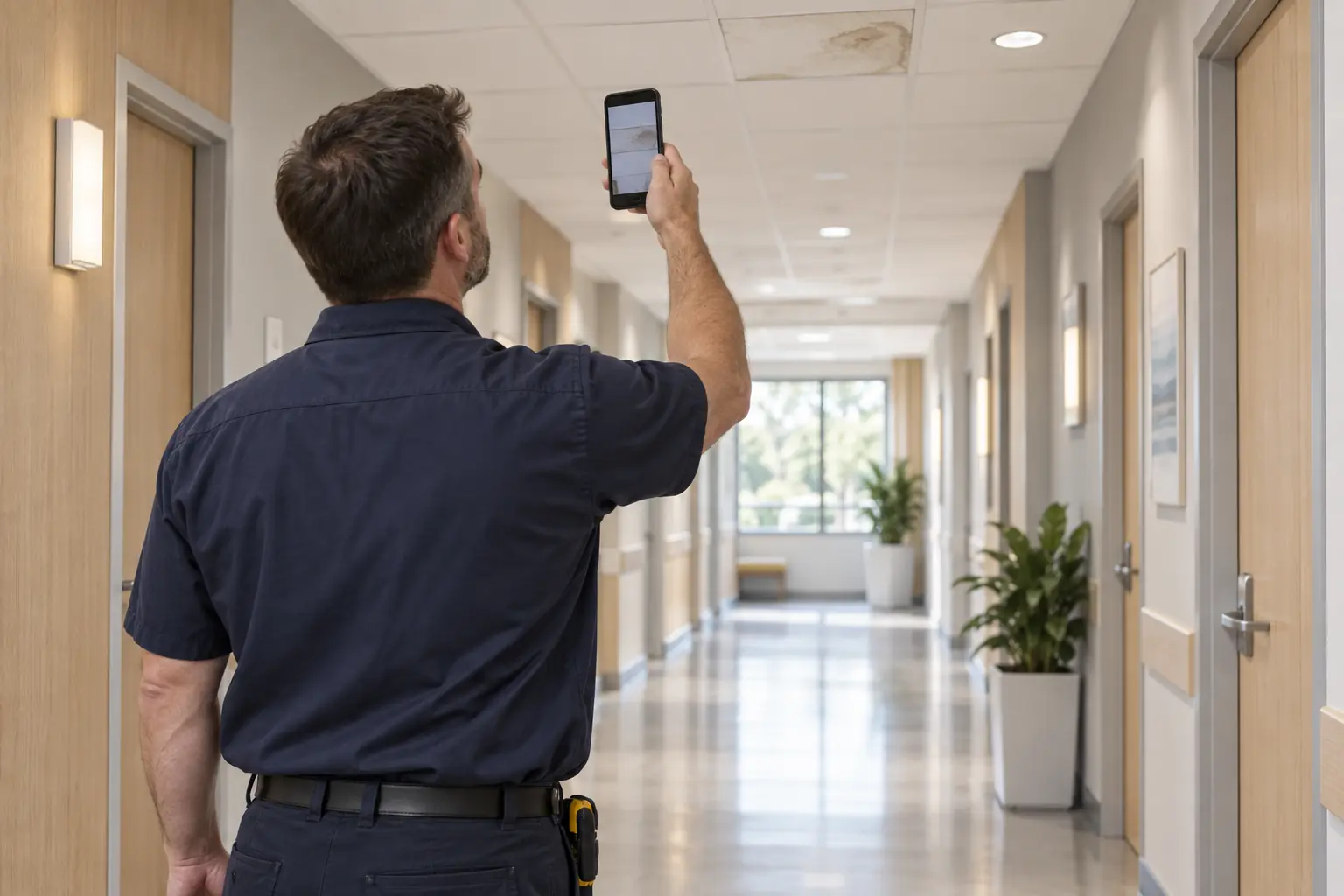
One person walks the building with a phone. PunchScope turns the photos into categorized tickets with a priority, a due date and a fix, then sends the report to the maintenance team. Next month, open tickets are checked again.
- Monthly, weekly or quarterly walks
- No floor plans required
- Patient-information gate
The problem
A monthly walk is only worth it if the findings get fixed.
Walking a building is the easy part. Turning a hundred photos into work orders, and remembering to look again, is where it falls apart.
- The walk happens, or it doesn't
- A scheduled walk with an owner, an email before it is due and an overdue flag on the dashboard.
- Photos stay in a camera roll
- Every photo becomes a ticket with a category, a priority, a due date and a plain-language fix.
- Reports are typed up days later
- The report is built for you and goes to the maintenance team in one click.
- Nobody knows what got fixed
- Open tickets are re-checked each walk, so you see new, still open and fixed, with before and after photos.
How a walk works
Walk, ticket, report, re-check.
- 1
Schedule the walk
Monthly, weekly or quarterly. The person assigned gets the link by email before it is due.
- 2
Walk it with a phone
A guided, room-by-room checklist. Photograph what you see and add a voice or text note.
- 3
Photos become tickets
AI sorts each one by category, sets a priority and a due date, and writes the fix.
- 4
One click to the team
The report goes to the maintenance team with every ticket, photo and location.
- 5
Next month, re-check
Open tickets are checked again, so the report shows new, still open and fixed.
Walk report
Northgate Medical Pavilion — October walkthrough
Monthly maintenance walk · Sent to the maintenance team
14
New
6
Still open
9
Fixed
New tickets by category
- HVAC 5
- Plumbing 3
- Electrical 2
- Life safety 2
- Housekeeping 1
- Grounds 1
Fixed since last walk
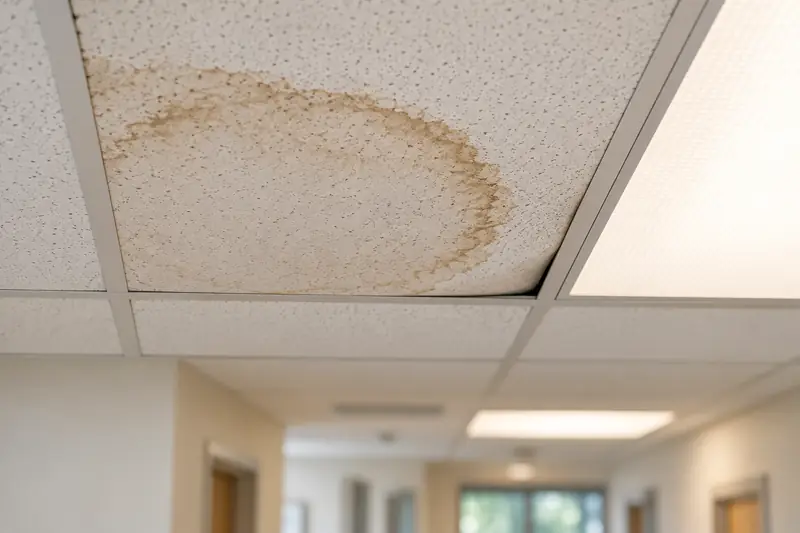
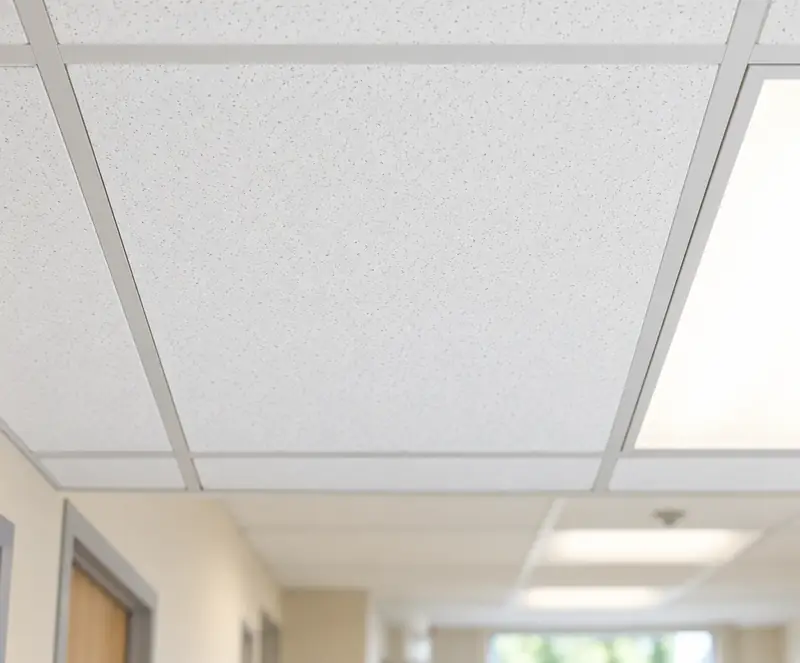
Ceiling stain, corridor 112Fixed
 UrgentHVACMechanical room · Level 1
Condensate leaking from air handler drain pan
“Standing water under the unit, drain line looks blocked.”
Set up in minutes
No plans? Start with a room list.
Set a facility up from your floor plans if you have them, or from a plain list of room numbers and names. You can add rooms while you walk. Each room type decides what gets checked, so the walker is guided without reading a drawing.
- Exam rooms
- Patient rooms
- Restrooms
- Corridors
- Waiting areas
- Mechanical
- Electrical
- Stairs
- Roof
- Exterior
- Parking
- Break rooms
- Storage
- Labs
- Nurse stations
- Offices
Built-in templates
Monthly maintenance walkthrough
Medical facility
Monthly maintenance walkthrough
General building
Quarterly life-safety walk
Exit signs, extinguishers, egress, eyewash
Checks include ceiling stains, lights out, door closers, trip hazards, HVAC grilles, plumbing leaks, exit signs, fire extinguishers, clear egress paths, eyewash stations and electrical panel clearance. Copy a template and edit the steps and categories for your own sites.
Corridors, exam rooms, mechanical rooms, roofs and parking lots: the same walk, the same report.
- Mechanical rooms
 Parking and grounds
 Lobbies and waiting areas
Tickets, not a photo dump
Each photo becomes a ticket the right person can pick up.
Photos and notes become tickets sorted by category, with a priority and a due date set from it. Open tickets stay open until someone fixes them and the next walk confirms it.
Categories
- HVAC
- Plumbing
- Electrical
- Life safety
- Housekeeping
- Grounds
Also general maintenance, IT and low voltage, and vendor work, so every ticket has an owner.
Priority sets the due date
- UrgentSafety, life safety, active leak24 hours
- HighFix this week7 days
- RoutineNormal maintenance30 days
- CosmeticWait for the next cycleNext walk
Scheduling
The walk happens every month, on schedule.
Recurring schedules
Pick monthly, weekly or quarterly and a day. The walks create themselves.
A nudge before it is due
The assigned walker gets an email with the link a few days ahead and again on the due date.
Overdue walks stand out
Anything late shows on the dashboard, so a missed month is visible.
Reports and exports
A report people read, and data your CMMS can take.
Every walk report and ticket list exports four ways. Each report shows new, still open and fixed since the last walk, by category and priority, with photos, notes and due dates.
Rich HTML
A designed, self-contained file with embedded photos. Works offline and prints well. Also a live share link.
PDF
The same layout, ready to attach to an email for the maintenance team.
JSON
A documented, versioned schema with every field and time-limited photo links.
CSV
One row per ticket in a CMMS-friendly shape: title, location, category, priority, status, due date and photo link.
Built for healthcare facilities
Photos with patient information are rejected before anything else happens.
Every photo from a medical site passes a patient-information gate first. Any photo that shows a patient, or patient information such as screens, charts, whiteboards or wristbands, is rejected. It is designed so patient information is never sent anywhere.
- 1
Photo is taken
The walker photographs a room on a medical site.
- 2
Checked on our own servers
Before anything else happens, the photo is screened on PunchScope's own servers.
- 3
Patients or patient info? Rejected
The photo is deleted and the walker is asked to retake it.
- 4
Clear? It moves on
Only cleared photos are ever processed, reported or shared.
The capture app also reminds walkers before they enter patient areas. If a photo cannot be verified, it is treated as rejected.
Pricing
One price per facility, walkthroughs included.
The price follows the size of the building, and so does the number of walkthroughs with reports included each month. Need one more? An extra walkthrough is $20 to $50, added to your next invoice after you confirm it.
Up to 10,000 sq ft
$149per facility per month
2 walkthroughs with reports included each month
Extra walkthroughs $20 each
Clinics, small medical offices
Up to 25,000 sq ft
$299per facility per month
4 walkthroughs with reports included each month
Extra walkthroughs $35 each
Medical pavilions, mid-size buildings
Over 25,000 sq ft
$499per facility per month
6 walkthroughs with reports included each month
Extra walkthroughs $50 each
Large medical and campus buildings
- Walkthroughs with reports included every month, extras added only when you confirm
- Unlimited people: walkers, techs and the maintenance team
- Standard processing included
- Rich HTML, PDF, JSON and CSV exports
Express: +$19.99 per walk. Ready within 20 minutes of starting, or refunded. Express uses a third-party AI provider, and only photos that passed the patient-information gate are sent.
Straight answers
How do recurring walks work?
Set a facility up once and give it a schedule: weekly, monthly or quarterly. Each walk is created on schedule, the person assigned gets an email with the link a few days before it is due and again on the day, and overdue walks show on your dashboard.
Do we need floor plans?
No. Plans make the checklist more precise if you have them, but you can set a facility up from a plain room list instead. Paste or upload room numbers and names, or add rooms while you walk. The room types (exam room, restroom, corridor, mechanical room, roof, parking and so on) decide what gets checked.
What about patient photos and privacy?
Every photo from a medical facility is checked on PunchScope's own servers before anything else happens. A photo showing a patient or patient information (screens, charts, whiteboards, wristbands) is rejected and deleted, and the walker is asked to retake it. Only cleared photos are ever processed, reported or shared. It is designed so patient information is never sent anywhere. We do not claim HIPAA certification.
Can we get the data into our CMMS?
Yes. Every walk report and ticket list exports as rich HTML, PDF, JSON and CSV. The CSV has one row per ticket with the columns a work-order system expects: title, description, location, category, priority, status, due date and photo link. The JSON is versioned and documented.
Who does the walking?
Anyone you assign. A team member, a facilities tech or a floor lead with a phone can do it, with no plan-reading skills. The checklist tells them what to look at in each room, and they can add a voice or text note to any photo. Photos queue and upload on their own if the signal drops.
What happens to tickets from last month?
Open tickets are re-checked automatically. Each new walk adds a re-check step for every open ticket in the room being walked, so every report shows what is new, what is still open and what is fixed, with before and after photos.
How is it priced?
Per facility per month by building size: $149 up to 10,000 sq ft with 2 walkthroughs and reports included each month, $299 up to 25,000 sq ft with 4, and $499 above 25,000 sq ft with 6. Standard processing is included. An extra walkthrough in a month is $20, $35 or $50 by the same sizes, added to your next invoice after you confirm it in the app. Express is +$19.99 per walk and is ready within 20 minutes.
Facility maintenance
Make the monthly walk count.
Set up a facility, assign the walker and let PunchScope turn each walk into tickets and a report for your maintenance team.